Making room: taking someone out of your heart, quietly
Friendships have seasons. Here's how to free a place in Philos without a scene, what changes for each of you, and how to undo it if you change your mind.



In short
- Go to You, open Your people, then Make room. People you haven't talked with lately are listed first.
- The person isn't told. You stop seeing each other's posts and Moments, and your chats stay.
- Nobody else moves in your heart, and you can undo it straight after.
Gardeners have a word for cutting back a plant that’s doing fine: pruning. It looks like loss, but it’s how the plant puts its strength into what’s still growing.
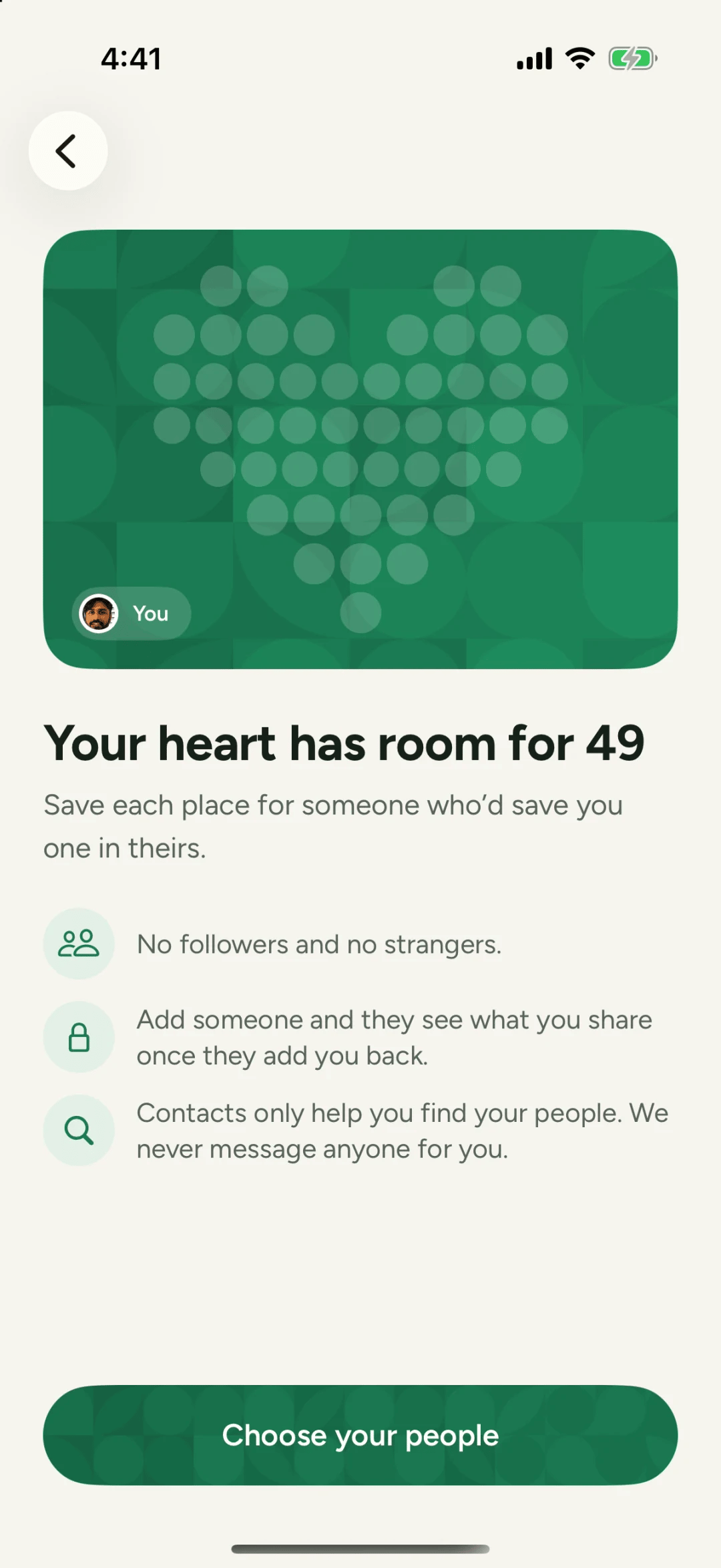
Friendships have seasons too. The colleague you saw every day, the neighbour who moved away, the group from a course you finished. Nobody did anything wrong. Life just moved on. With 49 places, there will be a day you want one back for someone new, and Philos makes that quiet.
Why it’s quiet
On most apps, unfriending is a small public event. The other person may notice, wonder and ask. That awkwardness keeps people holding on to connections they’ve outgrown, and their feeds fill up with people they no longer know.
On Philos, making room tells nobody anything. It’s a decision about your own space, and it stays yours.
How to make room
- Go to You and open Your people.
- Tap Make room. Under it, Philos says what it does: remove people quietly to free a spot.
- At the top you’ll see Quiet for a while: people you haven’t talked with lately, with when you last spoke. Only you see this.
- Choose who to remove, then tap Remove quietly.
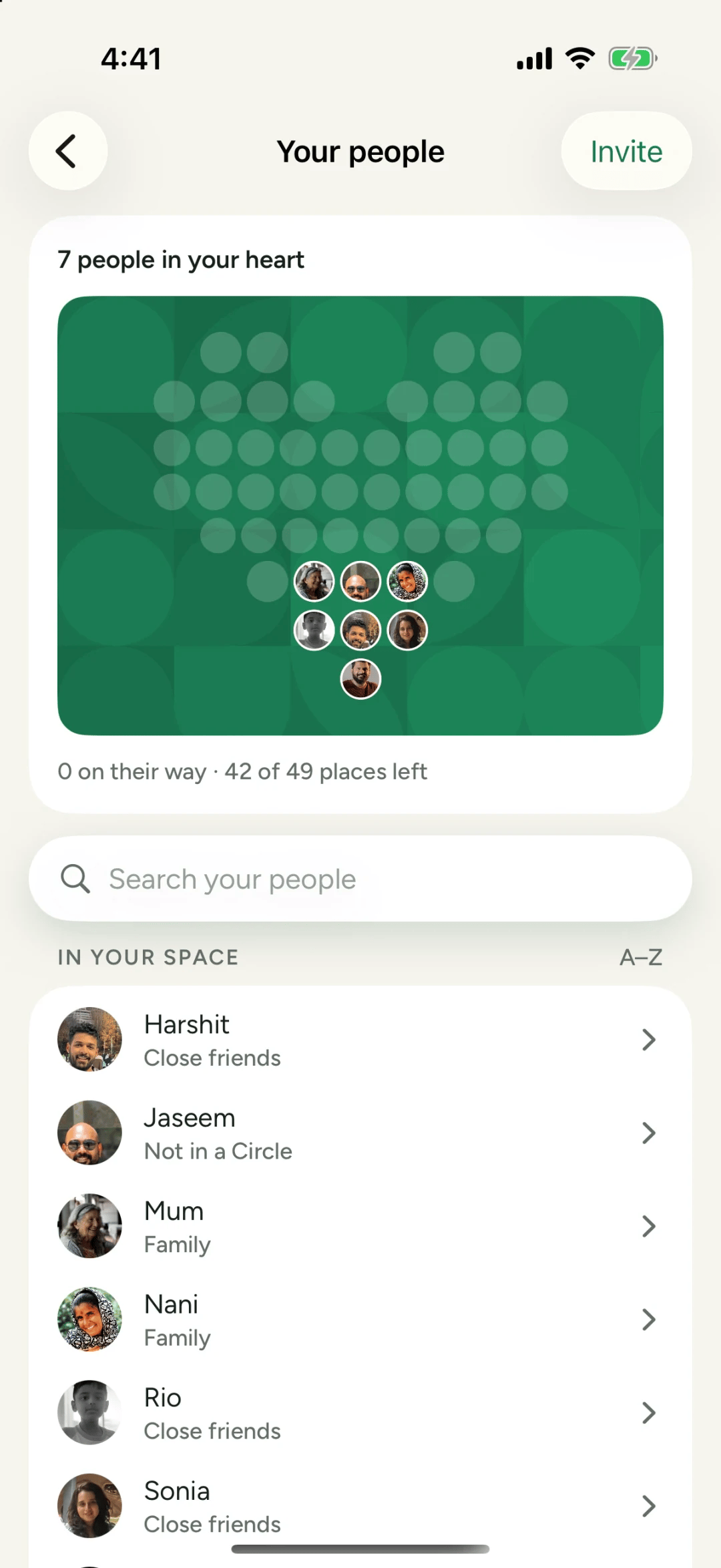
A short note confirms how many places you have left, with Undo if you tapped too fast.
What changes for each of you
Making room for someone new
Sometimes you only find out you’re full when you try to add someone. Philos tells you your space is full and offers Make room, so you can choose who to swap without leaving the page. It’s all or nothing: if anything goes wrong, nobody is removed and you can try again.
A kind way to think about it
Making room isn’t a verdict on a person. It’s a note to yourself about who you share your days with now. If a season comes back round, so can they.
Questions people ask
Will they know I removed them?
No. They aren't told. You stop seeing each other's posts and Moments.
Do our chats disappear when I make room?
No. Your chats stay. Any groups you're both in stay too.
What if I change my mind?
Right after you remove someone, Philos shows Undo. Later on, you can add them again like anyone else, if you have a free place.