Moments: share the small stuff for 24 hours
A first loaf, a sunset, a line of words. How to share a Moment on Philos, choose who sees it, and see who loved it, all gone after a day.



In short
- A Moment is a photo, a video, a few words on a colour or a layout of photos. Each one disappears 24 hours after you share it.
- You choose who sees every Moment, and replies go to you privately, in your chat.
- Only you see who saw, loved and replied. You can hide your Moments from someone without them being told.
Some things aren’t worth a post, but they’re worth sharing. The first loaf that looks like bread. The light on the way home. A gelato that’s mostly melted by the time you take the photo.
That’s what Moments are for. Think of a post as the photo album and a Moment as the postcard: quick to send, nice to get, and not meant to be kept forever.
Share a Moment
- On Home, tap the camera.
- Tap for a photo, or hold for a video. Or choose from your gallery: photos and videos together, newest first.
- Add a line if you like, and check who it’s for.
- Tap the button that says who it’s for, such as Share with Family.
Every Moment tells you before you share it: Disappears in 24 hours.
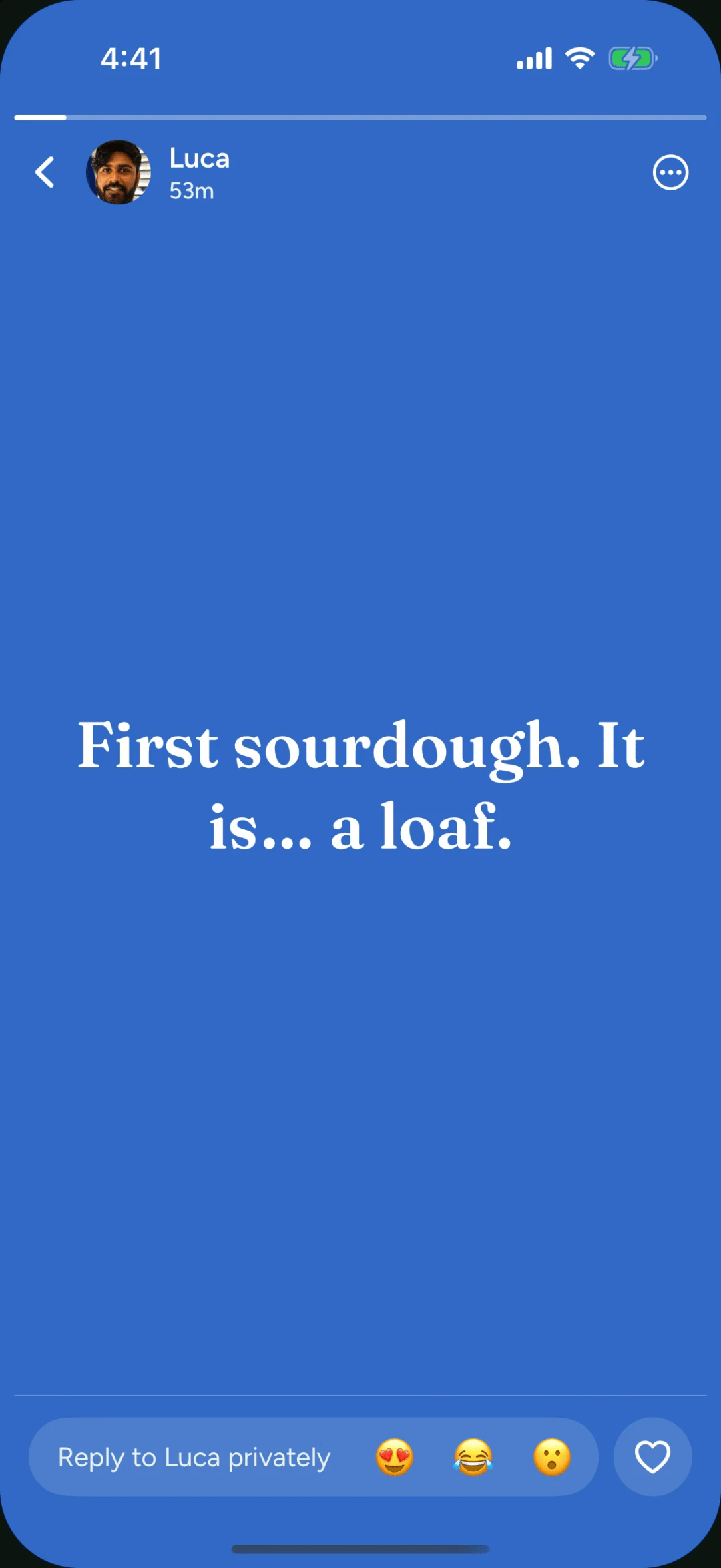
Three kinds of Moment
- Photo or video. Videos longer than 15 seconds let you choose which part to keep.
- Words. A few lines on a colour, in one of five typefaces, from Handwritten to Typewriter.
- Layout. Two to four photos in one: side by side, one above the other, one and two, or four.
Choose who sees it
Each Moment goes only to the people you choose: everyone in your space, a Circle, or one person. Philos remembers your last choice, so the next Moment goes to the same people unless you change it.
Replies are private
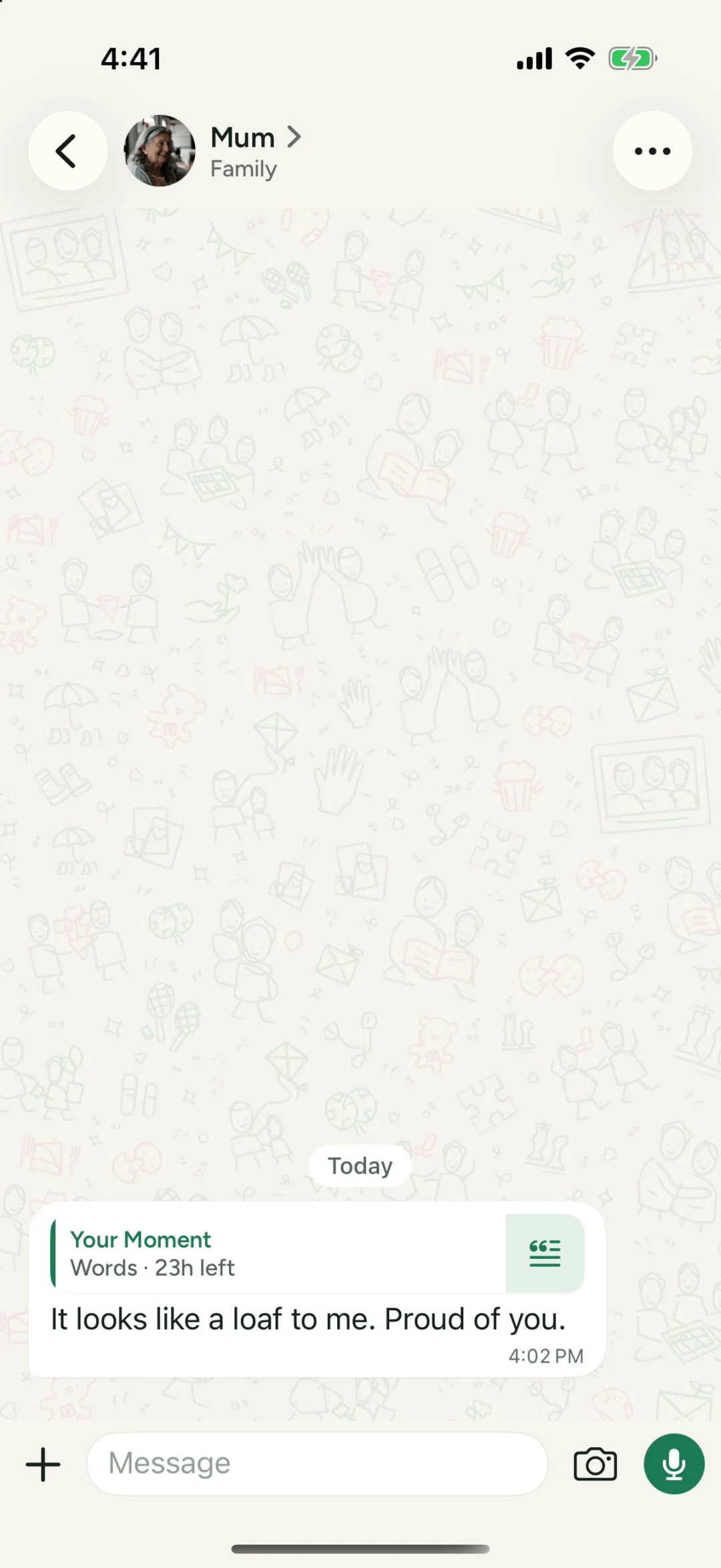
Under a friend’s Moment there’s a field to reply to them privately. Your reply goes to your chat with them, quoting their Moment, and nobody else sees it. Love a Moment and only they know you did.
See who saw it, privately
Tap the summary under your own Moment to open its Activity: who saw it, who loved it, who replied, and who hasn’t opened it yet. The top of the page says it plainly: only you can see this.
Hide your Moments from someone
Hold someone’s face in the Moments row and choose Hide your Moments from them. None of your Moments reach them from then on, and they’re never told. You can also mute someone’s Moments, quietly, from the same menu.
Questions people ask
How long does a Moment last?
24 hours from when you share it. You can delete it sooner, and it disappears for everyone right away.
Who sees who looked at my Moment?
Only you. Your Moment's activity shows who saw it, loved it and replied, and nobody else can see it.
Will people get a notification when I share a Moment?
No. Moments never notify anyone. They wait at the top of Home until your people open the app.