Planning a family get-together in a group chat
Pick a day without forty messages, keep the side chats out of the way, and put the plan in everyone's calendar. Polls, plans and threads on Philos.



In short
- Start a group from Chats and add people from your space, or pick a Circle to add its people in one go.
- Ask a poll to find the day. People pick every choice that works, and you see names, not counts.
- Make a plan with what, when and where. Everyone can add it to their calendar, in their own time zone.
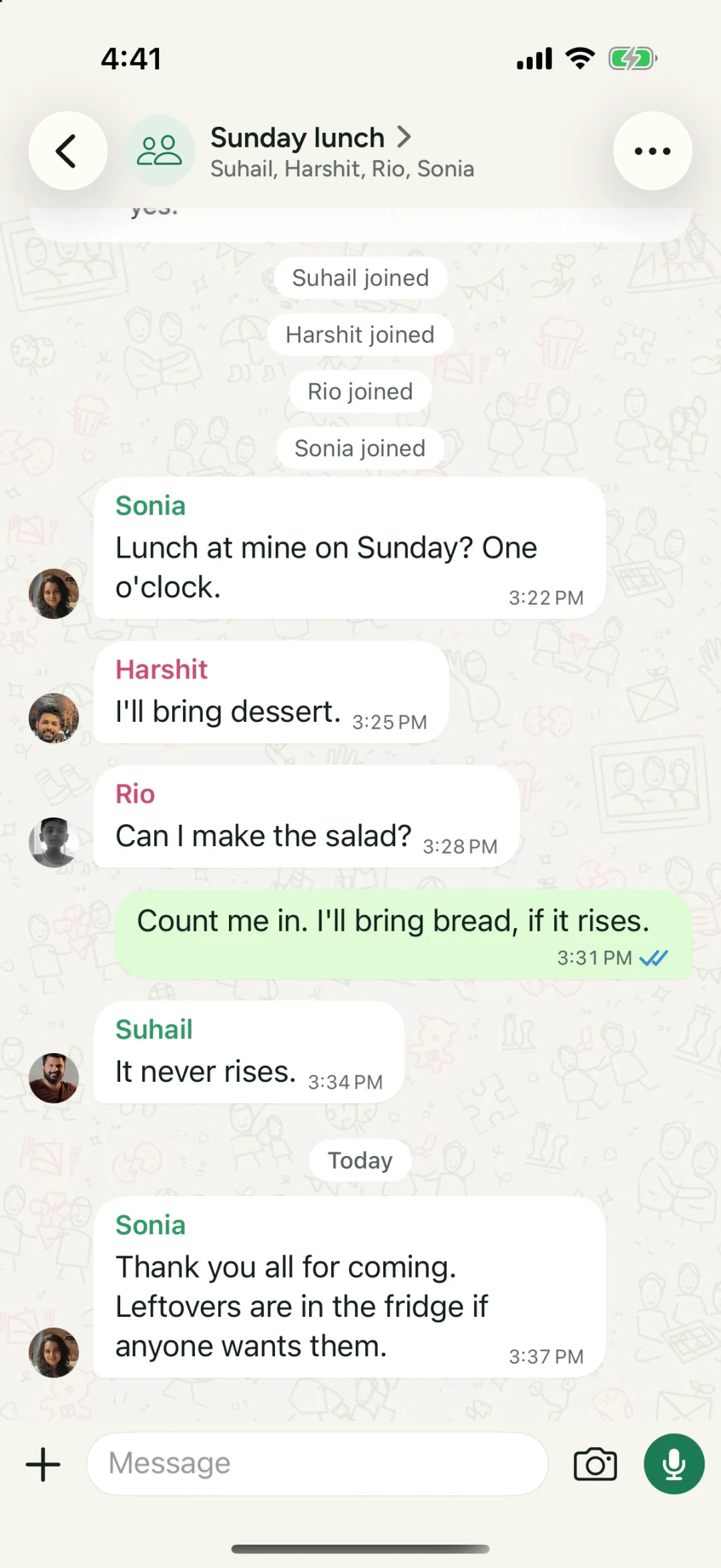
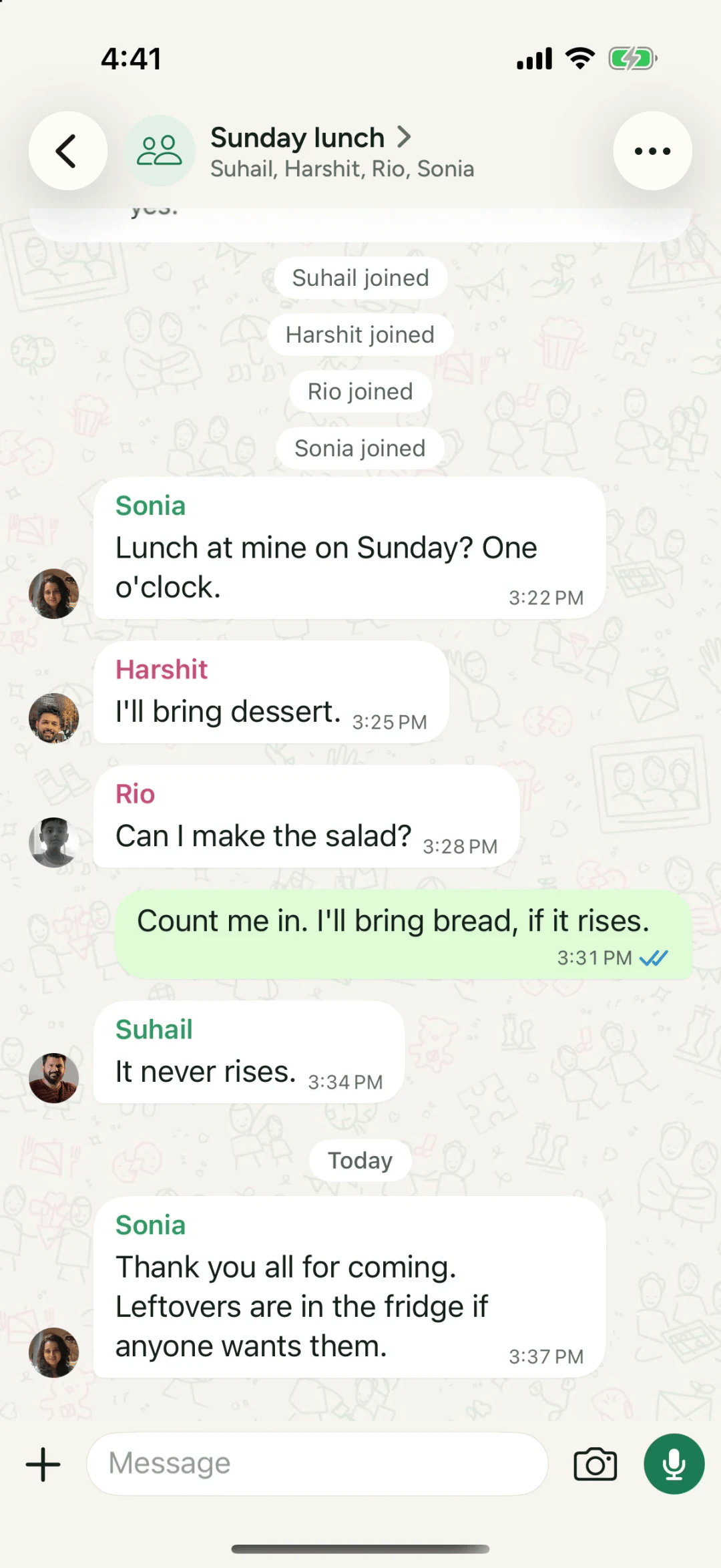
You know the thread. “Sunday?” “Can’t do Sunday.” “What about the 14th?” “Which month?” Forty messages later, half the family has muted it and nobody is sure where lunch is.
Here’s how to plan the same lunch on Philos in four moves, with fewer messages and nothing lost.
1. Start the group
- In Chats, tap + and choose New group.
- Give it a name everyone will recognise, like Sunday lunch, and add a photo if you like. There’s room for what it’s for, too: “Saturdays, trips and everything in between.”
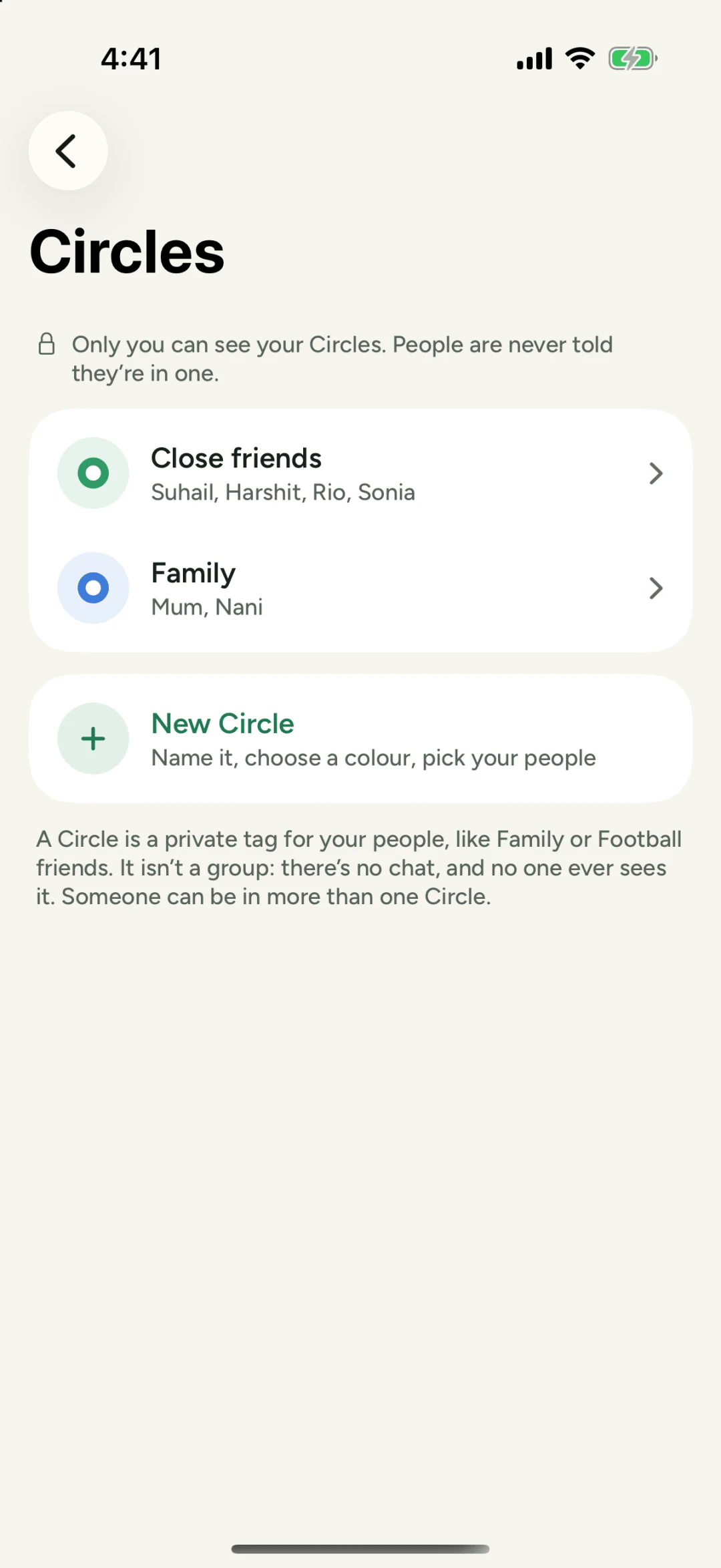
- Add people from your space. Tip: pick a Circle, such as Family, and Philos adds its people for you. The Circle stays private: nobody in the group sees it.
Each person joins when they say yes. If they choose Not now, nobody is told.
2. Find the day with a poll
In the group, tap + next to the message field and choose Poll. Philos calls it Decide together.
- Write the question: “Which Sunday works?”
- Add the choices: three dates is plenty.
- Tap Ask.
Everyone picks all that work for them, so the best day shows itself. There are no counts, just names: tap See who picked what to see that Grandma can do the 14th but not the 21st.
3. Make it a plan
Once the day is clear, turn it into a plan: tap +, choose Plan, and fill in What (“Grandma’s 80th lunch”), When, and Where if you know it.
The plan sits in the chat where everyone can find it later in Search. Anyone can tap Add to Calendar. If your brother lives in Lisbon, an hour behind, he sees the time where you set it as well as his own, so he knows exactly when to call in.
4. Keep the side chats in threads
Someone wants to argue about the cake. Fine, but not in the main chat. Hold their message and tap Reply in thread. Replies there stay in the thread and don’t appear in the main chat, so the plan stays easy to find.
Two more tools worth knowing
- Pin the essentials. Hold the plan or the address and tap Pin. Up to three pins, and everyone in the group sees them.
- Mention someone who’s gone quiet. Type @ and their name. A mention reaches them even if they’ve muted the group.
Questions people ask
Can someone outside my 49 join our group?
You invite people from your space to a group. Joining a group doesn't add anyone to anyone's space. In the group, people see each other's names and messages, nothing else.
How many people can be in a group?
Up to 25: you and 24 others.
Can messages from the group be forwarded?
No. Only people in the group see what's sent there, and nothing can be forwarded.