Voice messages: when typing won't do
Hold the mic, talk, let go. How voice messages work on Philos, how to lock, pause and listen back before sending, and why a voice lands differently.



In short
- Hold the mic to record and let go to send. Slide up to keep recording hands-free, or left to cancel.
- Once locked, you can pause, listen back and decide before anything is sent.
- Research suggests a voice builds a closer connection than text, without the awkwardness people expect.
Your hands are covered in flour. The pasta dough is finally right, and you want to tell your sister, who taught you, before it dries. You’re not typing that out.
That’s what voice messages are for. On Philos you hold one button, talk and let go.
Why a voice lands differently
In a 2021 study, the psychologists Amit Kumar and Nicholas Epley asked people to reconnect with an old friend, either by phone or by email. Before the call, people expected talking to be more awkward than writing. Afterwards, it wasn’t. Across their studies, conversations that included a voice created stronger bonds than text did, with no extra awkwardness.
A voice carries what text loses: the laugh halfway through a sentence, the pause before the hard part. When your mum hears you say “I’m fine”, she can tell whether you are.
Send one in three moves
- In any chat, hold the mic next to the message field and talk.
- Let go to send.
- Changed your mind? Slide left to cancel before you let go.
While you record, the other person sees that you’re recording a voice note, so they know something is on its way.
Hands-free: lock, pause, listen back
For anything longer, slide up to lock. Now you can put the phone down and keep talking.
Locked, you can pause, and paused, you can listen back before you decide. Philos reminds you who will hear it: only the person you’re talking to, or only the group. Then send it, keep recording, or delete it.
Listening
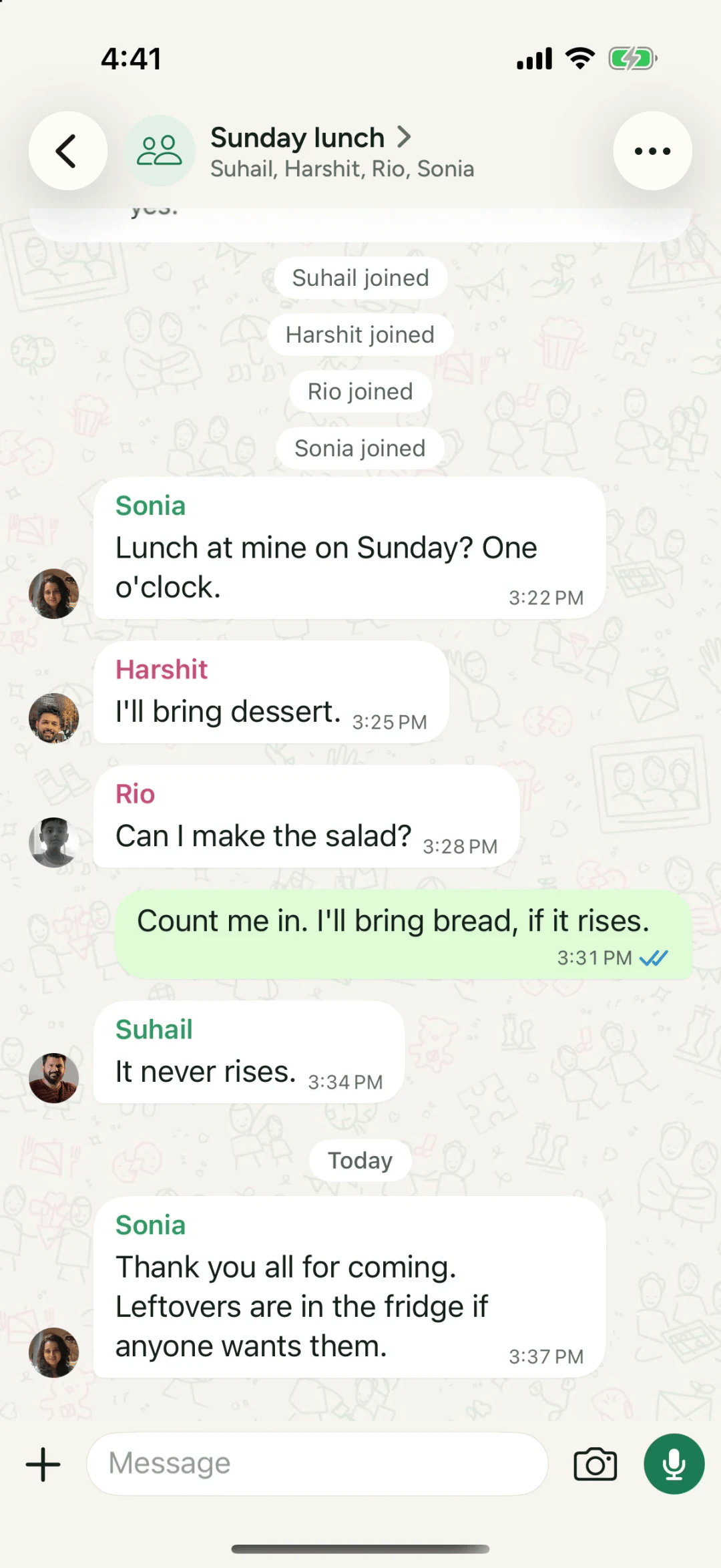
Tap a voice message to play it. Change the speed if someone talks the way they drive, and keep moving around the app: it plays on, with a small bar to pause or stop it, and you’ll see it on your Lock Screen too.
When to send a voice instead of text
- When it’s longer than three lines.
- When the tone matters more than the words: an apology, a congratulations, a “how did it go?”
- When the person on the other end finds typing hard.
Questions people ask
How long can a voice message be?
Up to 15 minutes.
Can a voice message be forwarded?
No. Nothing on Philos can be forwarded. Only the person, or the group, you sent it to can hear it.
Can I listen faster?
Yes. Each voice message has a speed control, and it keeps playing while you move around the app.
Sources
- It's Surprisingly Nice to Hear You: Misunderstanding the Impact of Communication Media Can Lead to Suboptimal Choices of How to Connect with Others, Kumar and Epley, Journal of Experimental Psychology General