How to bring your parents and grandparents to Philos
A step-by-step guide to inviting Mum, Dad and the grandparents, with a note in your own words, and the three things to show them on day one.



In short
- Invite them from your contacts with a personal note. It goes as a message from your phone, so it comes from you.
- If you're together, scan each other's code. It's the quickest way.
- On day one, show them three things: Home, replying to a Moment, and holding the mic to talk.
Every family has a group chat that does too much. The birthday photos sit between forwarded jokes, and Grandpa’s reply arrives three days late, to a message nobody remembers.
Philos is calmer than that: your parents see what you share with them, reply to you privately, and never have to scroll past anyone they don’t know. Here’s how to get them there.
Before you start
- An iPhone. Philos is on the iPhone today. An Android app is coming.
- Their number in your contacts. That’s how Philos finds them, or invites them if they’re not here yet.
- Ten minutes together, if you can. It’s not required, but it helps.
Step 1: Invite them with a note that sounds like you
- In Chats, tap + and choose Invite someone.
- Find Mum under From your contacts. If she’s not on Philos yet, tap Invite. Her place in your heart is saved straight away.
- Write the note. Philos suggests one, but your own words work better:
Mum, this is where I’ll post the kids’ photos from now on. Just us, no strangers. Tap the link and I’ll show you the rest on Sunday.
The invite goes out as a message from your phone, so it reads like it’s from you, because it is. Philos never messages anyone automatically, and if you invite several people, Send one at a time opens a separate message for each, so they don’t see each other.
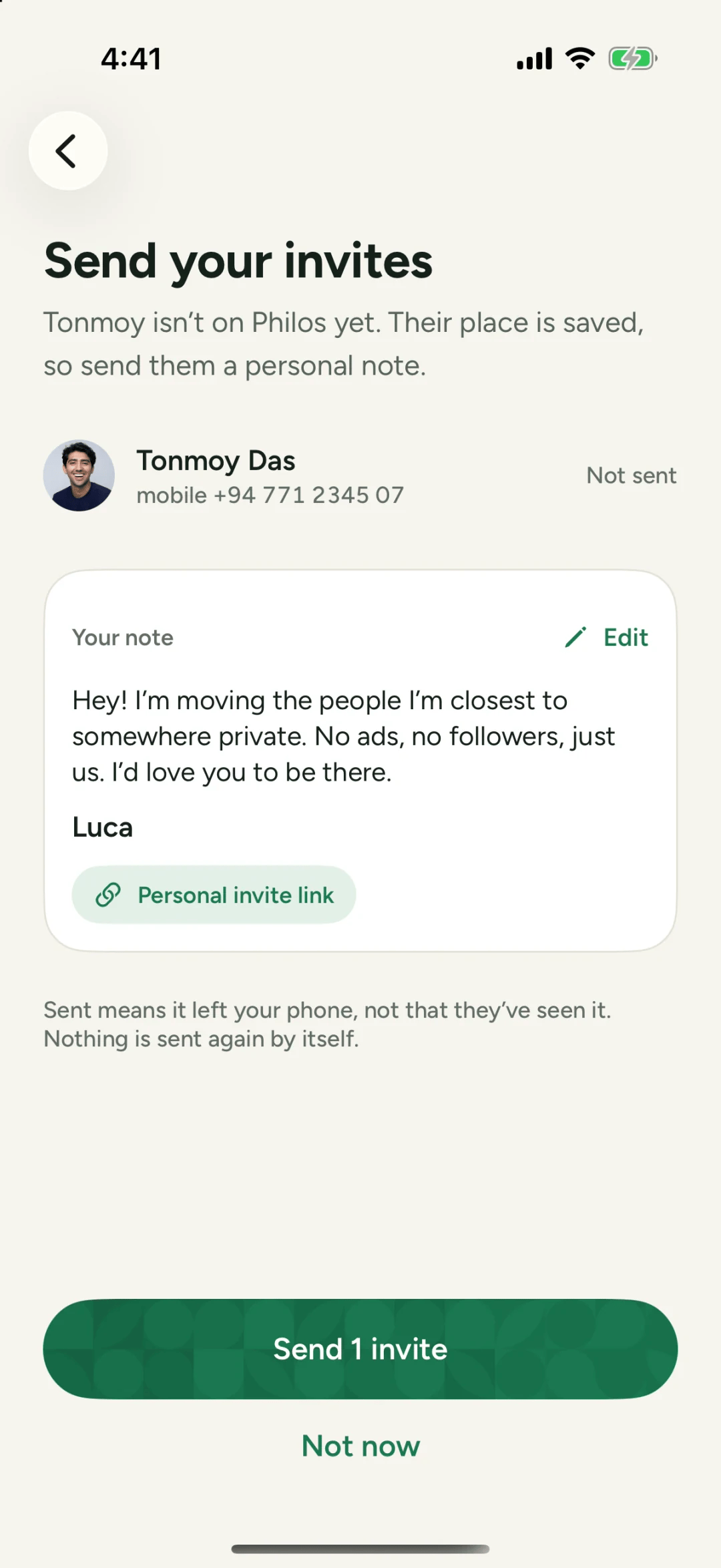
When Mum opens the invite, Philos tells her she matters to you, and that it’s just for the people closest to you.
Step 2: Together? Scan instead
If you’re at the same table, skip the message. In Invite someone, tap Show your code, and have Dad tap Scan their code once he’s set up. You’re added to each other in seconds.
Step 3: Show them three things
People new to an app learn by doing one thing at a time. Don’t tour every screen. Show them these three:
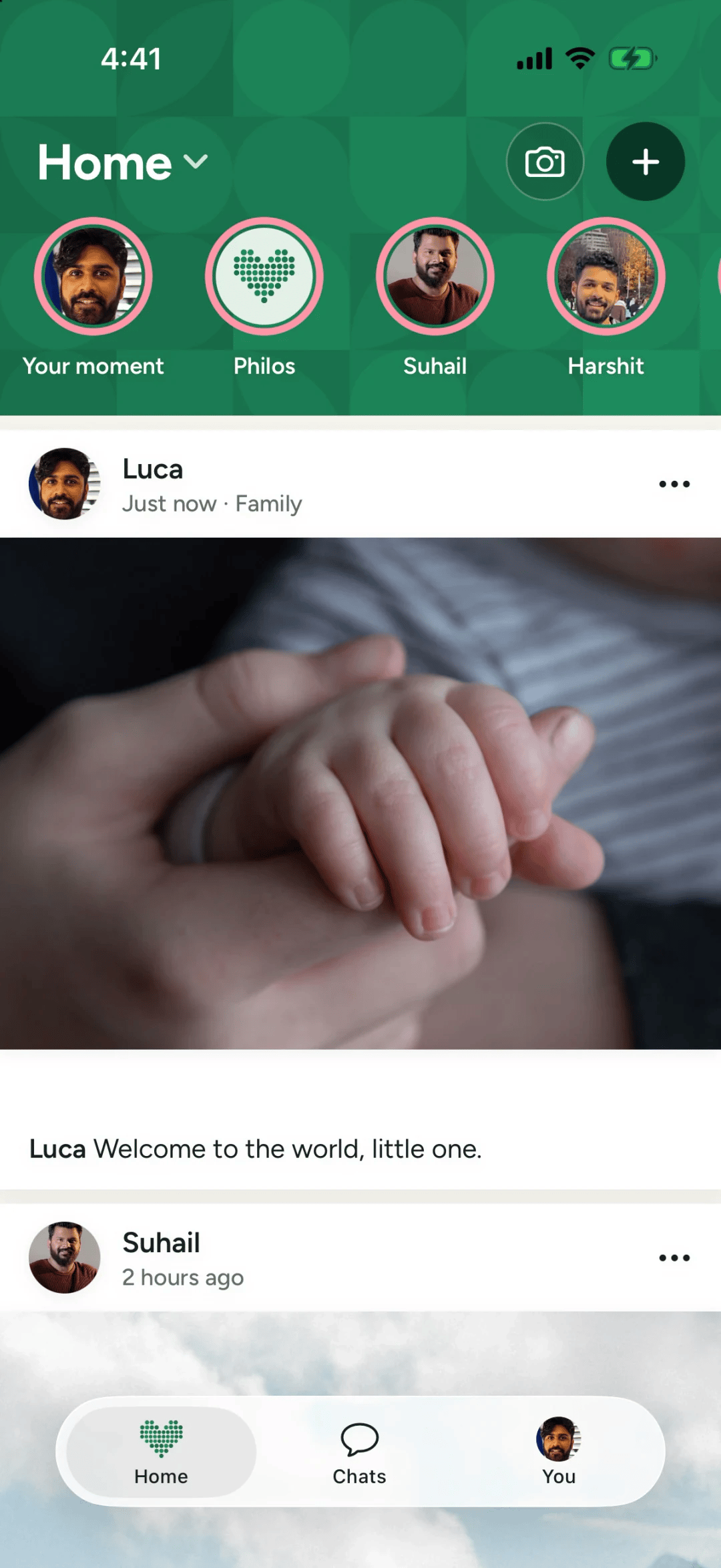
- Home. What you share appears here, and when they’ve seen it all, Philos says they’re all caught up. Nothing endless to get lost in.
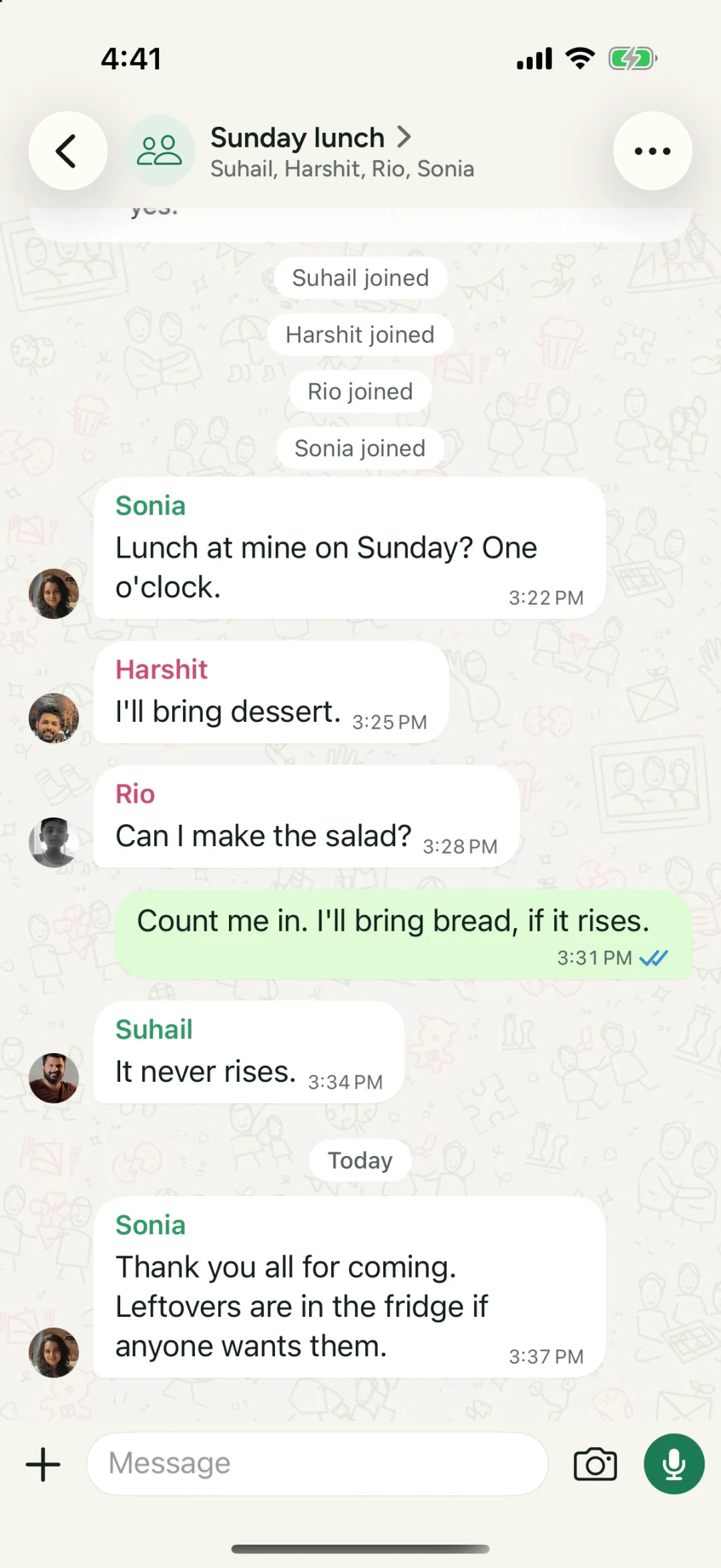
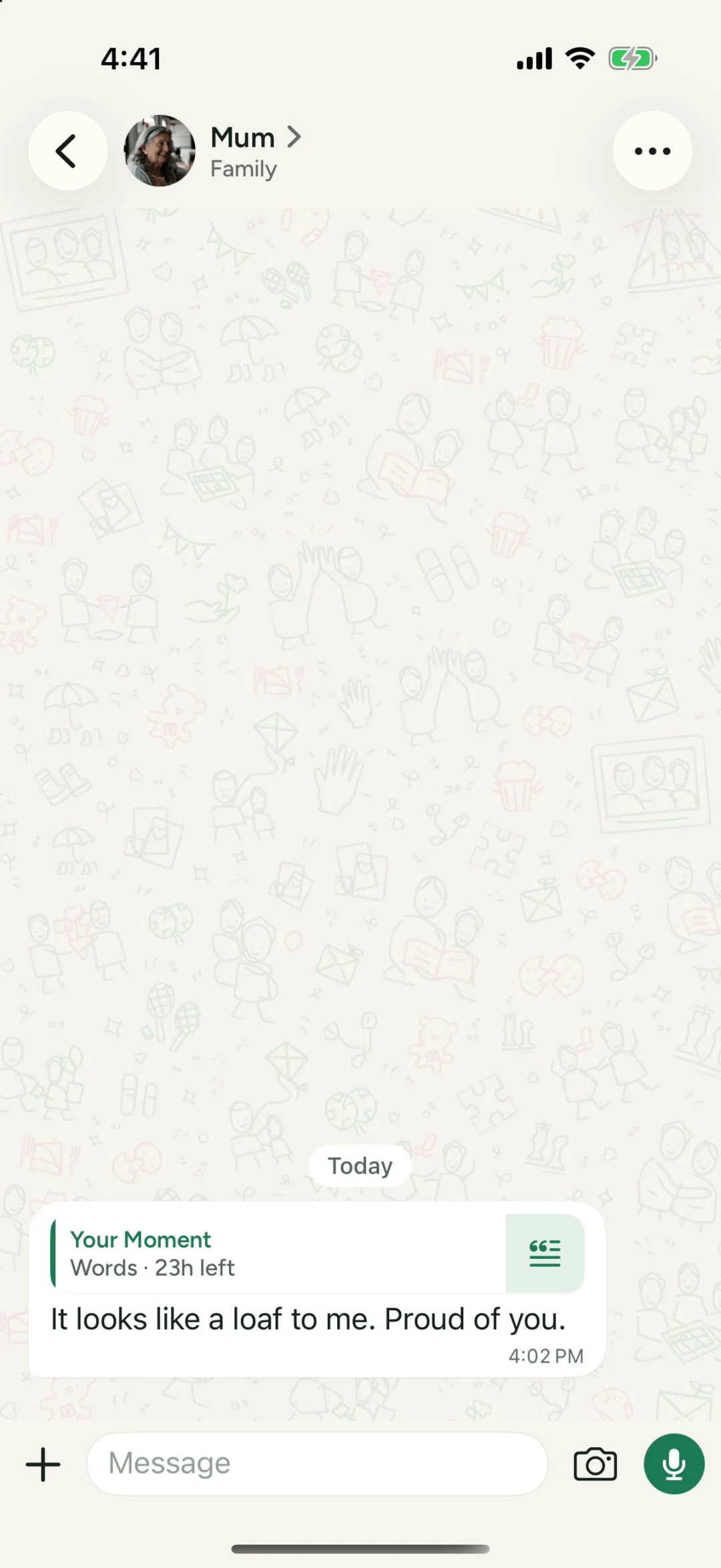
- Replying to a Moment. Tap someone’s Moment, then reply. It goes to that person privately, in your chat.
- Holding the mic. If typing on a phone is a chore, they can hold the mic, talk and let go to send. More on voice messages.
Step 4: Make a Family Circle
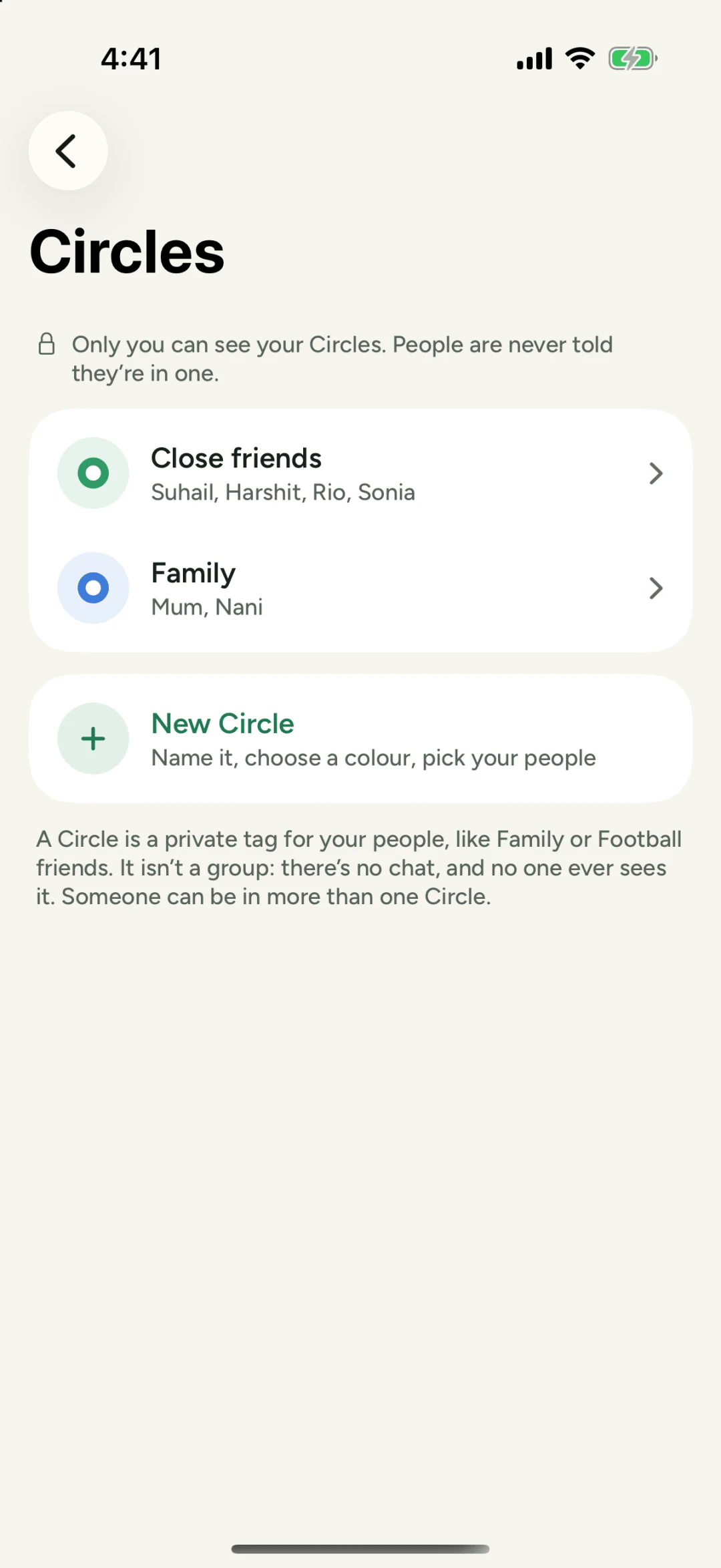
Once your family is in, put them in a Circle so you can share with just them in one tap. Setting up a Family Circle walks you through it.
A tip for the long run
The first week matters most. Share something small the day they join: the dog, dinner, the view from the bus. A reply from Grandma on day one is how she learns that this is where the family is now.
Questions people ask
Do my parents need an iPhone?
For now, yes. Philos is on the iPhone today, and an Android app is coming.
Will strangers be able to find my parents?
Only someone who types their exact username, or has their link or code, can find them. Philos never suggests people you might know, and a stranger who opens their link sees only their name and photo.
Do they have to post anything?
No. Plenty of people mostly watch, love and reply. A reply to a Moment goes to you privately, in your chat.