Tagging someone in a post: how tag requests work
On Philos, nobody is tagged in a photo until they say yes. Here's how to tag someone, what they see, and how to accept, reject or remove a tag later.



In short
- You can only tag people who can already see the post, and each of them is asked first.
- The request arrives privately in their Chats, with Accept and Reject. Only the two of you see the tag until they accept.
- A rejected tag is gone for good, and the person who posted only sees that it was removed.
Every family has one. The graduation photo where you’re mid-blink, mid-sneeze, mid-sentence, and someone has already tagged you in it for everyone to see.
On most apps, a tag is something done to you. On Philos, it’s a question. Nobody is tagged in anything until they say yes.
Tag someone in your post
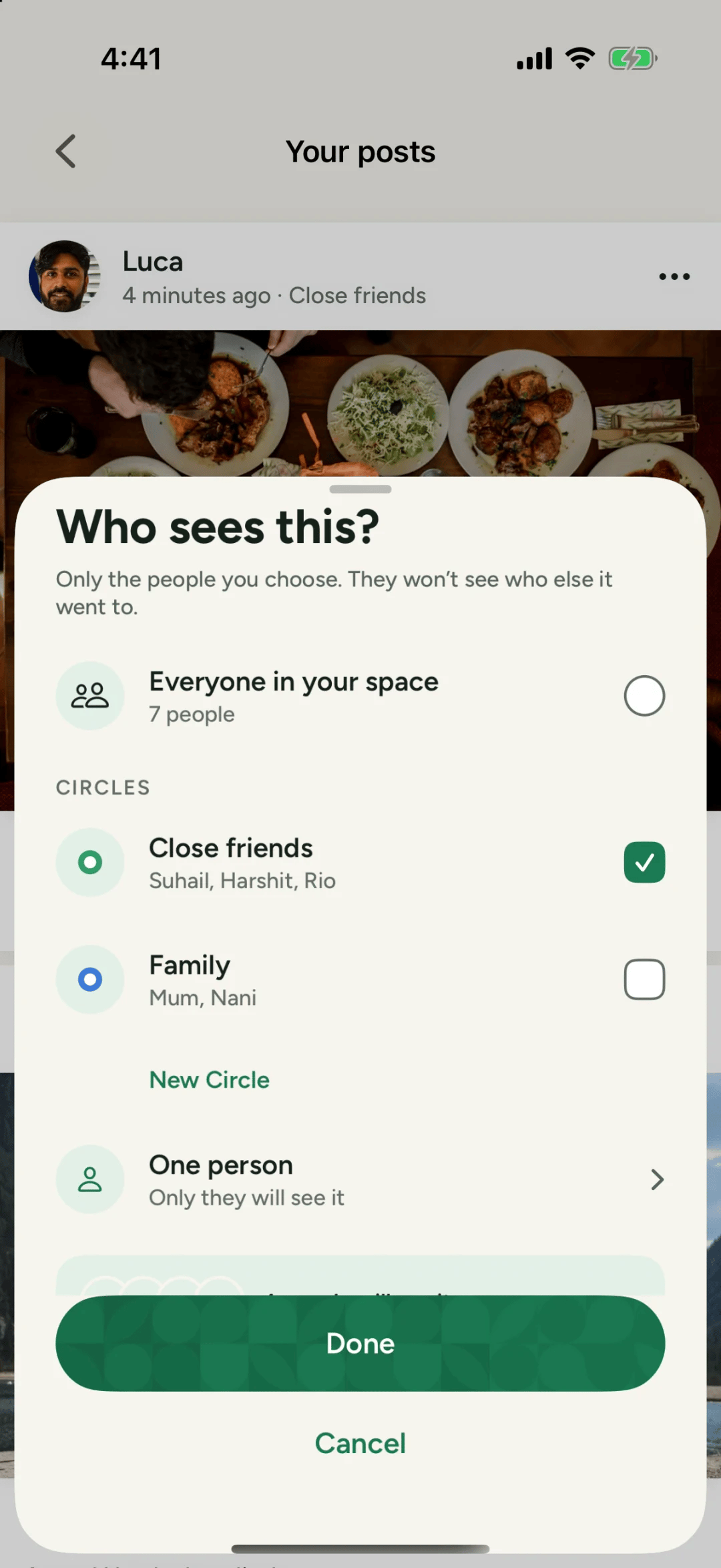
- Share a post as usual, and choose Who sees this? first.
- Tap Tag your people. Philos only lists people who can see this post, so a tag can never show a photo to someone it wasn’t meant for.
- Pick who’s in it, and share.
Each person you tag is asked to accept first. Until they do, you’ll see Waiting for their name, and on your post their name shows as waiting. Only you see that.
When someone tags you
The request arrives privately in your Chats, as a message from the person who posted: Tagged you in this post, with the post under it. Only the two of you can see it until you answer.
- Accept, and the tag shows on the post for everyone who can see it.
- Reject, and nobody sees the tag. The person who posted sees only that it was removed, never that you said no, and you won’t be asked again for that post.
Tags are one of the few things that always reach you, even if you’ve muted that person’s posts. Being tagged is someone asking for you, so Philos lets you know.
Changed your mind later?
Open the request in your chat and tap Remove tag. Nobody will see you tagged in that post, and you won’t be asked again.
When a post’s audience changes
If the person who posted later changes who sees it, and someone tagged can no longer see the post, Philos takes that tag off and tells the poster before they save. A tag never outlives your right to see the photo.
Questions people ask
Can someone tag me without my permission?
No. A tag only shows once you accept it. Until then, only you and the person who posted see the request.
Will they know I rejected their tag?
They see that the tag was removed, never that you rejected it. And you won't be asked again for that post.
Can I remove a tag I already accepted?
Yes. Open the request in your chat and tap Remove tag. Nobody will see you tagged in that post, and you won't be asked again.